Gaming Laptop or Workstation Laptop? A No-Nonsense Buyer's Guide to Portable Performance
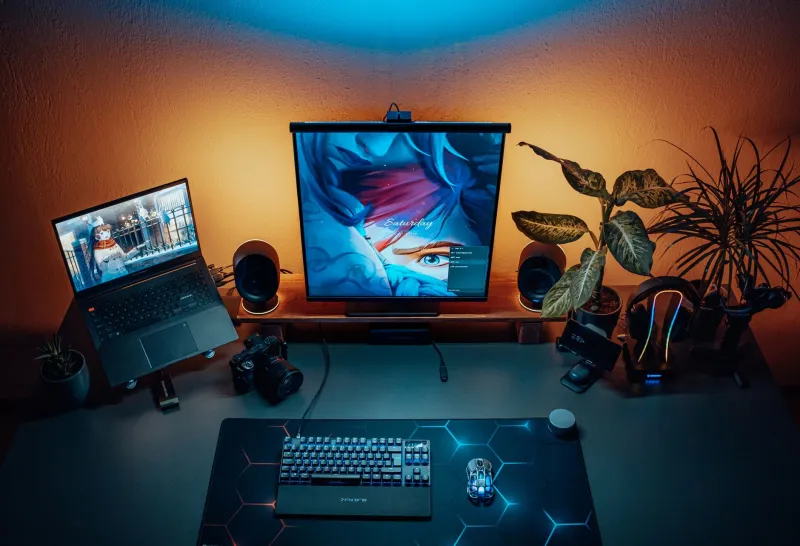
Walk into any Best Buy or browse any major US retailer's laptop section and you will encounter two categories of machines that, on paper, look remarkably similar: gaming laptops and mobile workstations. Both sport high-core-count processors, discrete graphics cards, and price tags that can comfortably exceed $2,500. Both promise to handle demanding computational tasks without being tethered to a desk.
Yet despite their surface similarities, these machines are engineered for fundamentally different purposes — and buying the wrong one for your use case is an expensive mistake. This guide cuts through the marketing language to explain exactly what separates these two categories, where each excels, and how to determine which one belongs in your bag.
Understanding the Core Design Philosophy
Before comparing individual specifications, it helps to understand the guiding philosophy behind each category.
Gaming laptops are optimized for peak, burst-style performance. A game demands maximum GPU throughput for seconds or minutes at a time, then scales back during loading screens or cutscenes. The engineering reflects this: gaming machines are tuned to deliver explosive short-duration performance, often accepting higher sustained temperatures and fan noise as acceptable tradeoffs for raw frame rates.
Mobile workstations, by contrast, are built for sustained, long-duration computational loads. A 3D animator rendering a scene, a data scientist training a machine learning model, or a civil engineer running finite element analysis may push their hardware to maximum utilization for hours continuously. Workstation laptops are engineered to maintain consistent performance under that kind of relentless pressure — a priority that shapes every component choice from the CPU down to the chassis material.
Processor Architecture: More Than Core Counts
Both categories frequently feature Intel Core HX or AMD Ryzen HX series processors at the high end, and the core counts can look identical on a spec sheet. The meaningful difference lies in how those processors are configured and validated.
Mobile workstations — machines like the Lenovo ThinkPad P-series, HP ZBook, or Dell Precision line — typically use processors that have been independently validated by software vendors like Autodesk, Adobe, and Siemens. This ISV (Independent Software Vendor) certification process ensures that professional applications behave predictably and without driver-level conflicts. For engineers and media professionals relying on certified software, this distinction is not trivial.
Gaming laptops, including popular models from ASUS ROG, Razer, and MSI, prioritize clock speed headroom and overclocking flexibility. Manufacturers often ship these machines with performance profiles that allow the CPU to exceed its rated TDP for short bursts — a benefit in games, but potentially a liability in workflows that sustain maximum load indefinitely, where thermal throttling can erode performance consistency.
The practical takeaway: If your work runs ISV-certified software, a workstation processor's validation matters. If you are gaming or running general-purpose creative applications, a high-clock gaming CPU will serve you well.
GPU: Consumer Graphics vs. Professional Graphics
This is where the categories diverge most sharply, and where marketing language causes the most confusion.
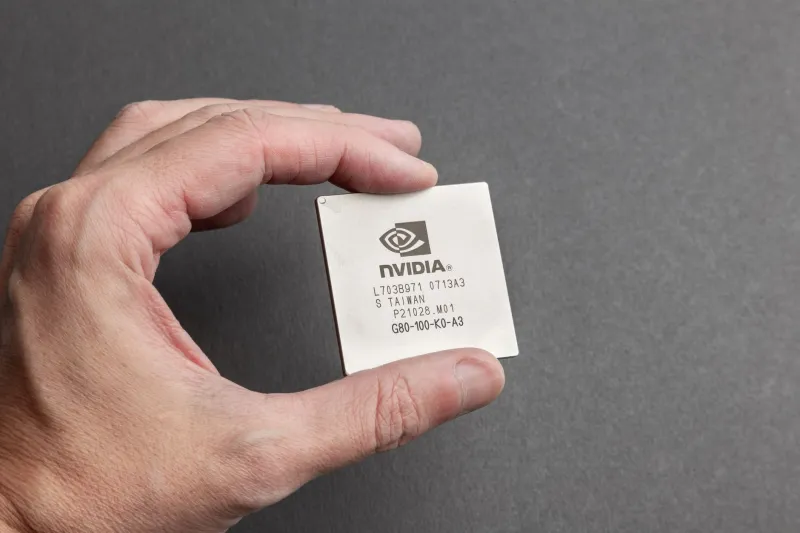
Gaming laptops ship with consumer-grade GPUs — NVIDIA GeForce RTX series or AMD Radeon RX series cards. These are exceptionally capable for gaming, video editing, and even AI-assisted creative workflows. They support DLSS and FSR upscaling, ray tracing, and increasingly, dedicated AI acceleration cores.
Workstation laptops are equipped with professional-grade GPUs — primarily NVIDIA's RTX Ada Generation (formerly Quadro) lineup. These cards use the same underlying silicon as their consumer counterparts but differ in three critical respects:
- ECC (Error-Correcting Code) memory support, which detects and corrects single-bit memory errors. For scientific computing, financial modeling, or CAD work, data integrity is non-negotiable.
- Larger VRAM allocations at equivalent price points, enabling professionals to work with larger datasets, higher-polygon models, and more complex simulation environments without running out of GPU memory.
- Driver stability and longevity, with NVIDIA maintaining dedicated professional driver branches that prioritize reliability over feature velocity.
For gaming, a GeForce RTX 4080 Laptop GPU will outperform an RTX 3500 Ada Generation in frame rates. For professional 3D rendering or computational fluid dynamics, the professional card's certified drivers and ECC support justify its premium.
Cooling Systems and Thermal Management
Cooling is where the philosophical differences between these categories become physically tangible.
Open up a gaming laptop and you will typically find an aggressive cooling solution designed for peak airflow: multiple heat pipes, large-diameter fans, and wide exhaust vents. These systems are highly effective at dissipating heat during gaming sessions. However, many gaming laptops manage thermals partly through aggressive fan speed ramping — meaning they can become quite loud under load — and through dynamic power limits that reduce CPU or GPU wattage when temperatures climb.
Workstation laptops, particularly at the premium tier, invest heavily in vapor chamber cooling and chassis designs that prioritize sustained thermal performance over peak burst capacity. The HP ZBook Fury and Dell Precision 7000 series, for example, use magnesium alloy or carbon fiber chassis elements that conduct heat away from critical components more efficiently than the plastic-and-aluminum constructions common in gaming machines.
In practical benchmarking, this difference manifests clearly in sustained workloads. A gaming laptop that scores impressively in a 30-second Cinebench burst test may show 15 to 25 percent performance degradation over a 30-minute render — a phenomenon called thermal throttling. A comparably priced workstation laptop may score lower in the burst test but maintain 90 to 95 percent of that performance across the extended run.
Display Technology: Refresh Rate vs. Color Accuracy
The display priorities of each category reflect their intended audiences with remarkable clarity.
Gaming laptops emphasize high refresh rates — 144Hz, 240Hz, and increasingly 360Hz panels — because smooth motion is essential for competitive gaming. Response times are optimized to minimize motion blur. Color coverage and factory calibration are secondary considerations for most gaming-tier panels.
Workstation displays prioritize color accuracy and coverage. Panels on machines like the ASUS ProArt Studiobook or LG Gram Pro are factory calibrated to Delta E values below 2, meaning color reproduction is accurate enough for professional print and video work. Coverage of the DCI-P3 color space (relevant for video production) or AdobeRGB (relevant for photography and print) is standard on workstation displays.
If you are a graphic designer, video editor, or photographer, a workstation display's color fidelity is a professional tool. If you are gaming, a 240Hz panel with low response time will deliver a tangibly better experience than a color-calibrated 60Hz alternative.
Build Quality, Portability, and Battery Life
Gaming laptops are, almost universally, heavier and thicker than workstation alternatives at equivalent performance levels. The thermal demands of high-TDP gaming hardware require physical mass. A flagship gaming laptop can weigh 5.5 to 7 pounds and may require a power brick the size of a paperback novel.
Workstation laptops span a wider range. Thin-and-light mobile workstations like the Lenovo ThinkPad X1 Extreme or Microsoft Surface Laptop Studio 2 offer more portable form factors at the cost of peak performance. Full-fat workstations like the HP ZBook Fury are equally heavy — or heavier — than gaming counterparts.
Battery life is a consistent weakness of both categories, but for different reasons. Gaming laptops drain quickly because high-TDP GPUs are power-hungry. Workstation laptops may offer marginally better battery endurance during light tasks, but professional users typically work plugged in anyway.
The Bottom Line: Match the Machine to the Mission
Here is a straightforward decision framework:
Buy a gaming laptop if:
- Your primary use case is gaming, even if you also do creative work
- You run mainstream creative applications that do not require ISV certification
- Frame rate and display refresh rate matter more than color accuracy
- Budget is a primary consideration — gaming laptops offer more raw GPU performance per dollar
Buy a workstation laptop if:
- You run ISV-certified professional software (AutoCAD, SolidWorks, Maya, etc.)
- Data integrity and ECC memory support are requirements for your workflow
- You need sustained, consistent performance over hours-long compute jobs
- Color-accurate display output is essential to your professional deliverables
The marketing from both categories will tell you that their machines can do everything. That is technically true and practically misleading. The right portable powerhouse is not the one with the most impressive spec sheet — it is the one engineered for the specific demands you will place on it every day.